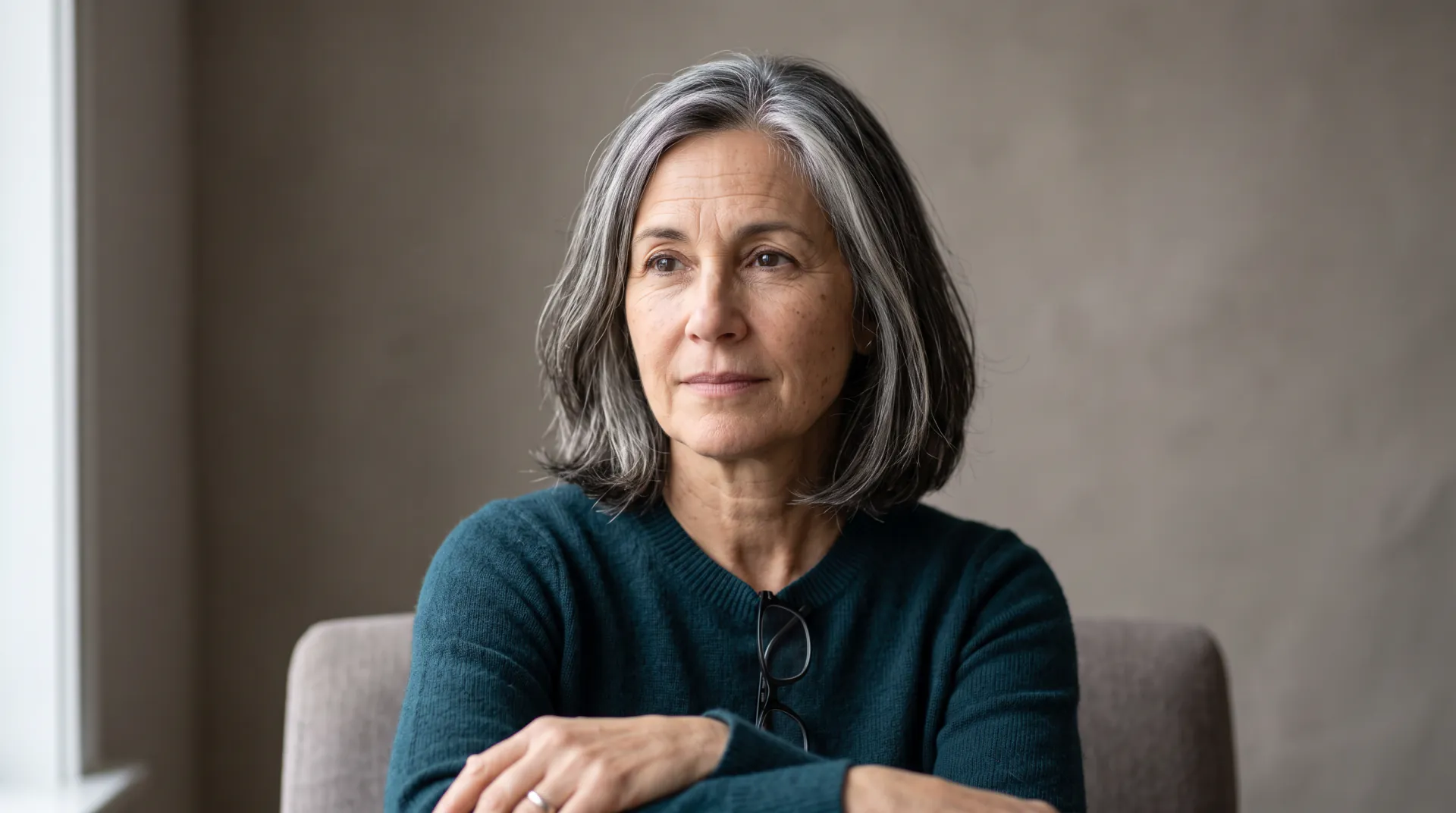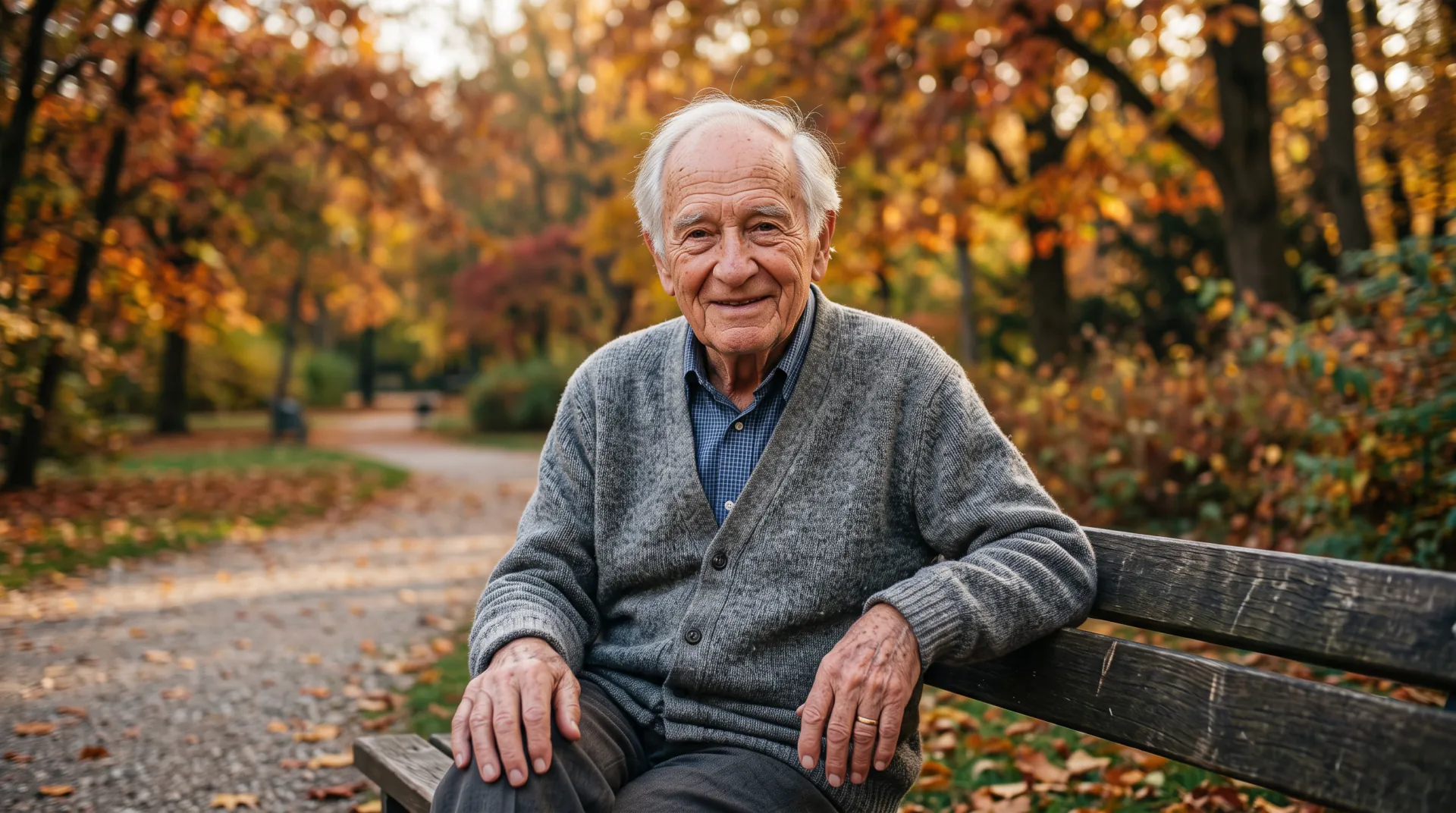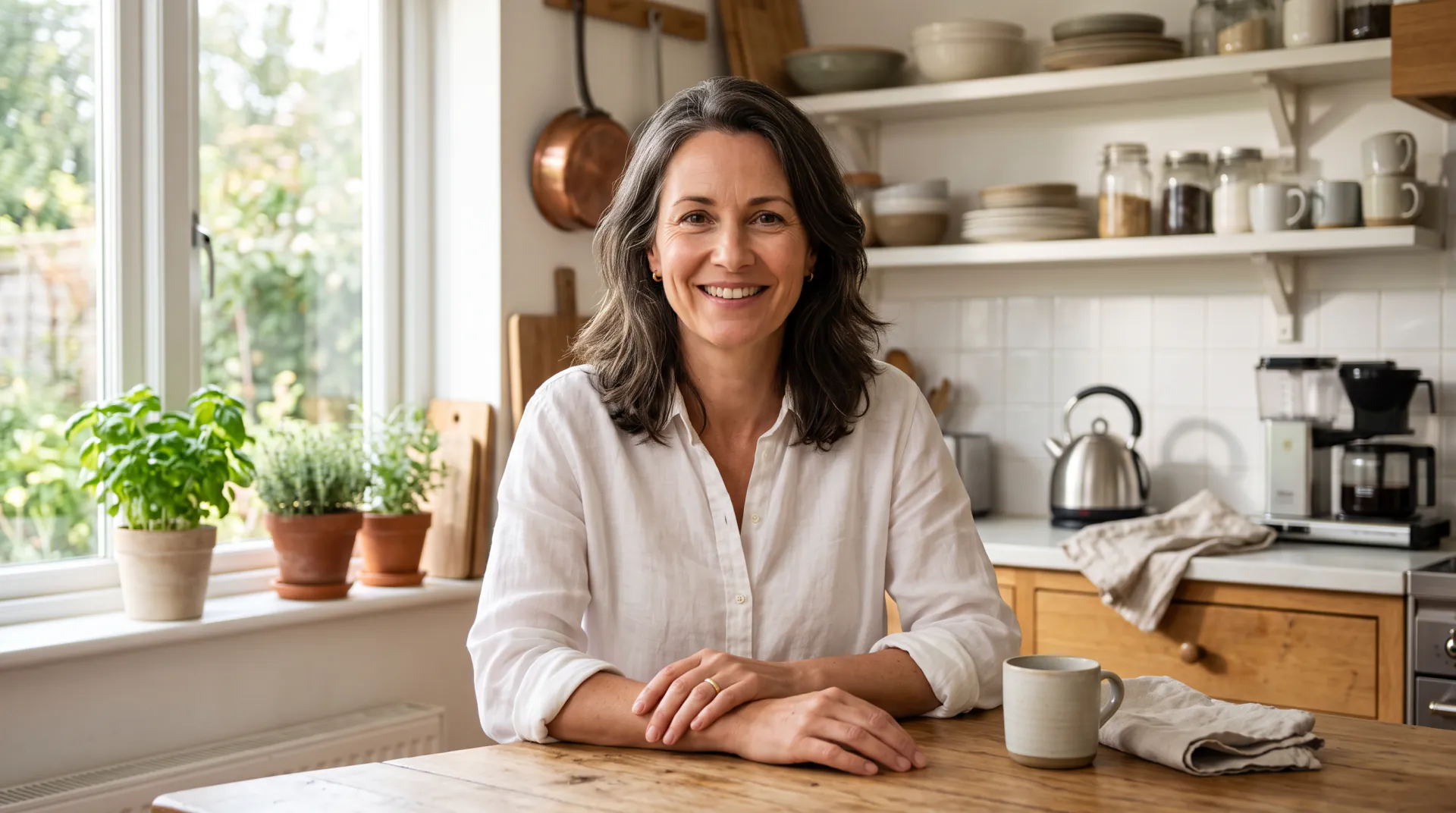
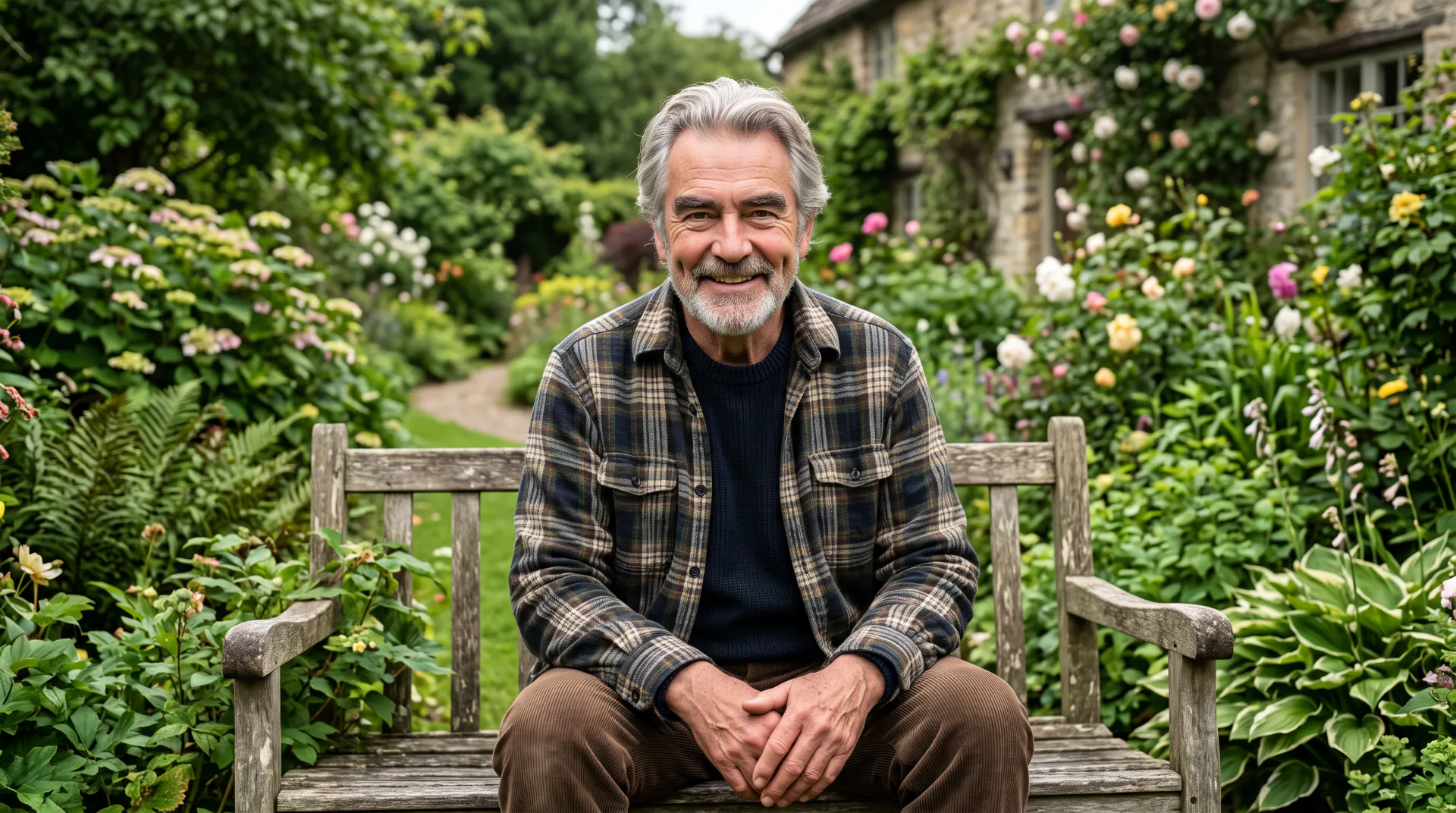
Younger, but always an adult

Young filter: see yourself as a younger adult

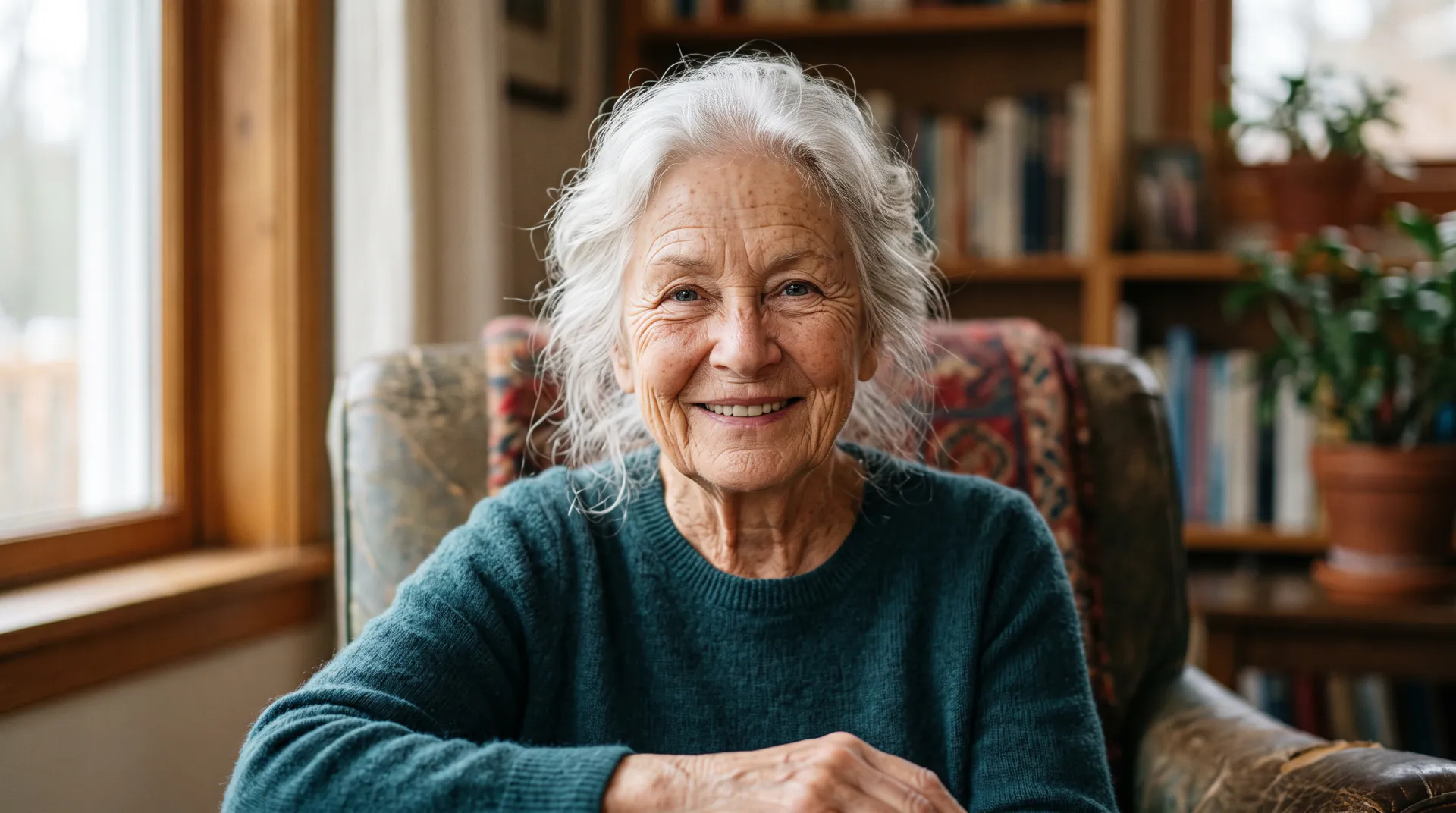
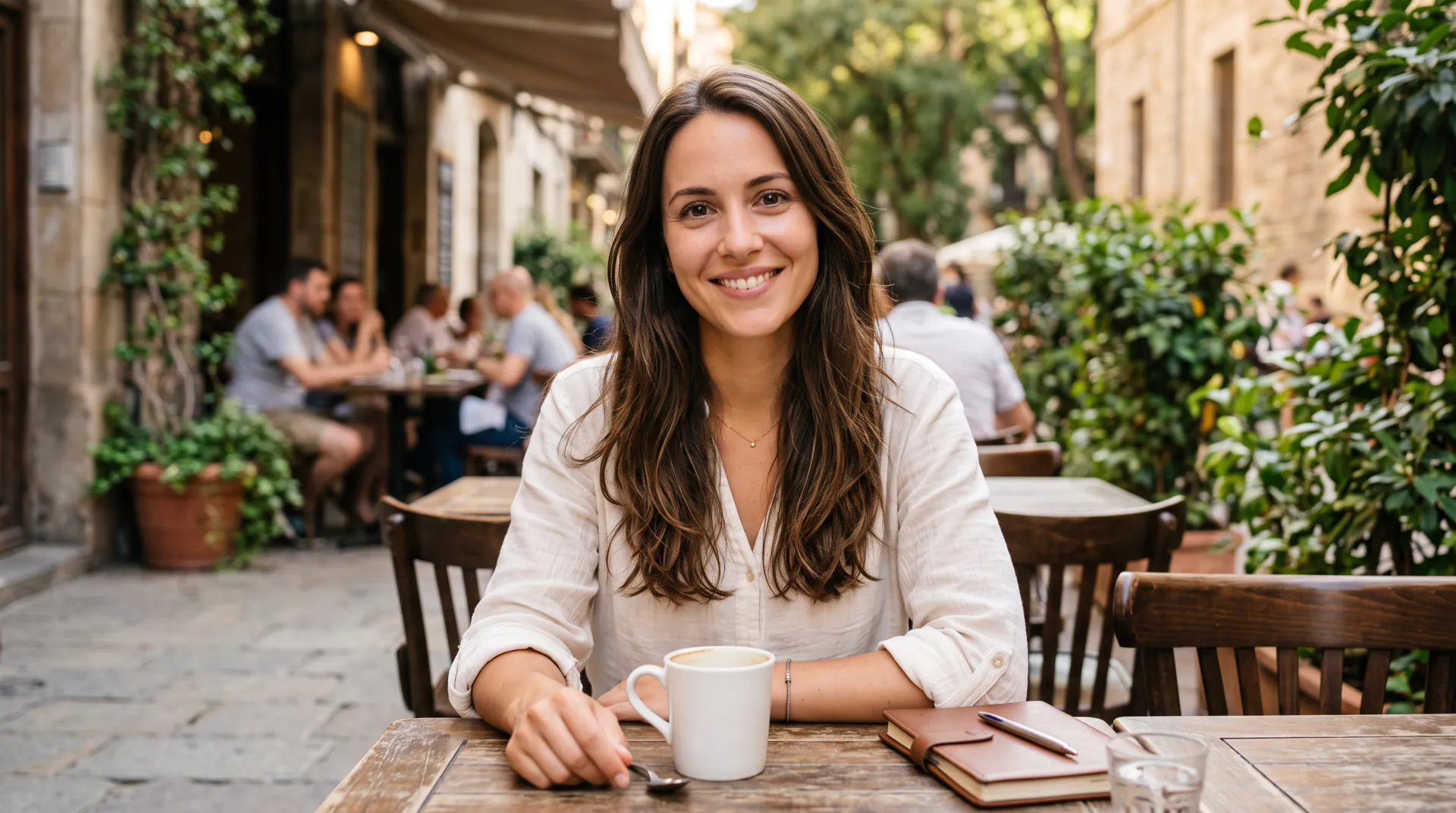
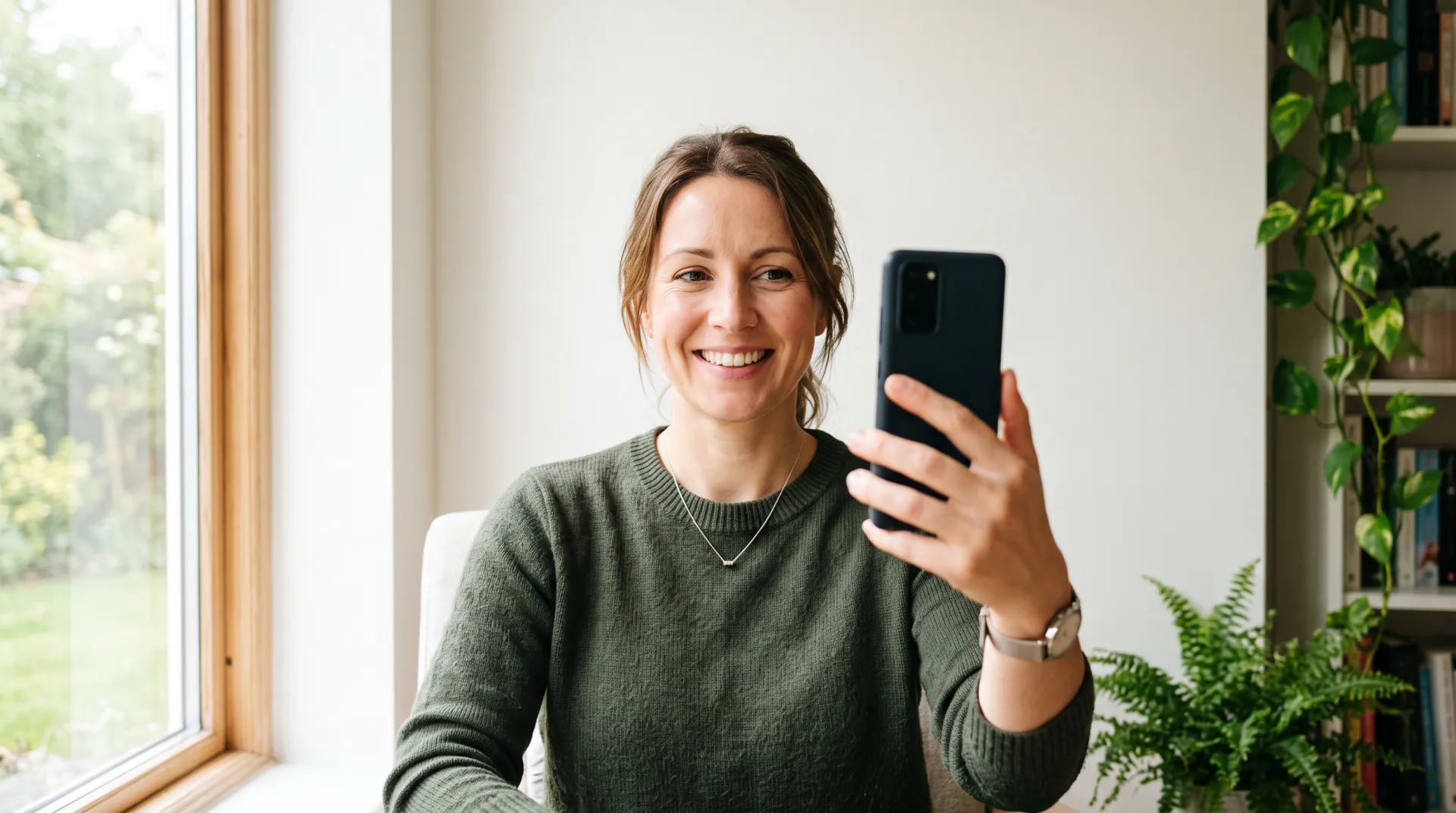
Turn back the clock on a photo: fewer lines, fuller hair, your natural hair color. The young filter goes back as far as a young adult of about 20, never to childhood.

  • 10 or 20 years younger
  • Never younger than about 20
  • Your features, not a beauty filter
One photo of your face, or of an adult who agreed. No children. PNG, JPEG or WebP, up to 10 MB.
Ages
Shape
Resolution
Variations

20 credits

Buy credits

Add a photo of a face to start

At a glance

The young filter on Age Filter shows an adult as a younger adult. Upload one photo, choose 10 years younger or a target age such as 25, and Nano Banana 2 smooths lines and restores hair color and fullness while keeping your features, pose and clothes. It stops at about 20: requests for a child or teen look become a young adult, and photos of minors are not allowed. Each photo costs 20 credits.

What you upload
One clear photo of an adult face: yours, or of someone who agreed (PNG, JPEG or WebP, up to 10 MB)
Price per photo
20 credits, at 1K or 2K
Cost in dollars
About $0.19–$0.25 a photo; packs from $4.99
Youngest look
A young adult of about 20; never a child or a teenager
Account
Free account; every photo uses purchased credits

What the young filter does

  • 01

    Smoother, natural skin

    Fine lines and wrinkles fade, and the brief asks the model for natural skin texture rather than an airbrushed look.

  • 02

    Hair as it was

    Gray turns back to a natural color and thinning hair fills in, with your hairstyle kept unless you ask for another.

  • 03

    Your features stay

    The brief asks the model to keep your face shape, eye color, skin tone and expression, and not to slim or beautify your face.

  • 04

    An adult floor

    Nobody is shown younger than about 20. Asking for a teen or child look gives a young adult instead.

How to use the young filter

  1. 01

    Upload one photo

    Use a clear photo of an adult face: yours, or that of an adult who agreed.

  2. 02

    Pick how much younger

    Tap 10 years younger or Younger, about 25, or type any age of 20 or more.

  3. 03

    Compare and download

    Keep the variation that looks most natural and download it.

Young filter vs beauty filter

A beauty filter smooths skin, enlarges eyes or slims a face while keeping your age. A young filter changes age: it brings back hair color and fullness and softens lines, and it keeps your features as they are.

That makes it good for throwback jokes, birthday posts and story characters, and a poor choice for a profile or dating photo, which should show you as you look today.

Why the young filter stops at adulthood

Making adults look like children is easy to misuse, so this filter does not do it. Every request is wrapped in a brief that keeps people at about 20 or older and fully clothed, and the terms forbid uploading photos of anyone under 18.

If you want to see yourself as a child, a real photo from your family album is the honest answer; the model has never seen how you looked back then.

Tips for a natural younger look

Younger looks are subtle, so small details in the request matter:

  • Ask for 10 years younger before trying 20
  • Name your natural hair color if you have gone gray
  • Say keep my glasses or keep my beard if you want them
  • Use soft front light; harsh light reads as lines

Young filter FAQ

Can the young filter make me look like a child?

No. It stops at a young adult of about 20. Requests for a baby, child or teen look are shown as a young adult instead, and photos of anyone under 18 are not allowed.

Is the young filter free?

Signing up is free; each photo uses purchased credits (20 a photo, about $0.19–$0.25). There are no free trial photos. Packs start at $4.99.

Will I look like I really did when I was younger?

Not exactly. The model draws a believable younger version from today's photo; it has never seen your old photos. Your own albums show the real you.

Can I use it for a dating or profile photo?

We do not recommend it. A profile photo should show how you look today, and a younger AI version can mislead people. Use it for fun posts and labeled throwbacks.

See a younger you

Upload one photo and pick 10 years younger. Never younger than about 20; credits per photo.

Last updated October 29, 2026

Create your free account