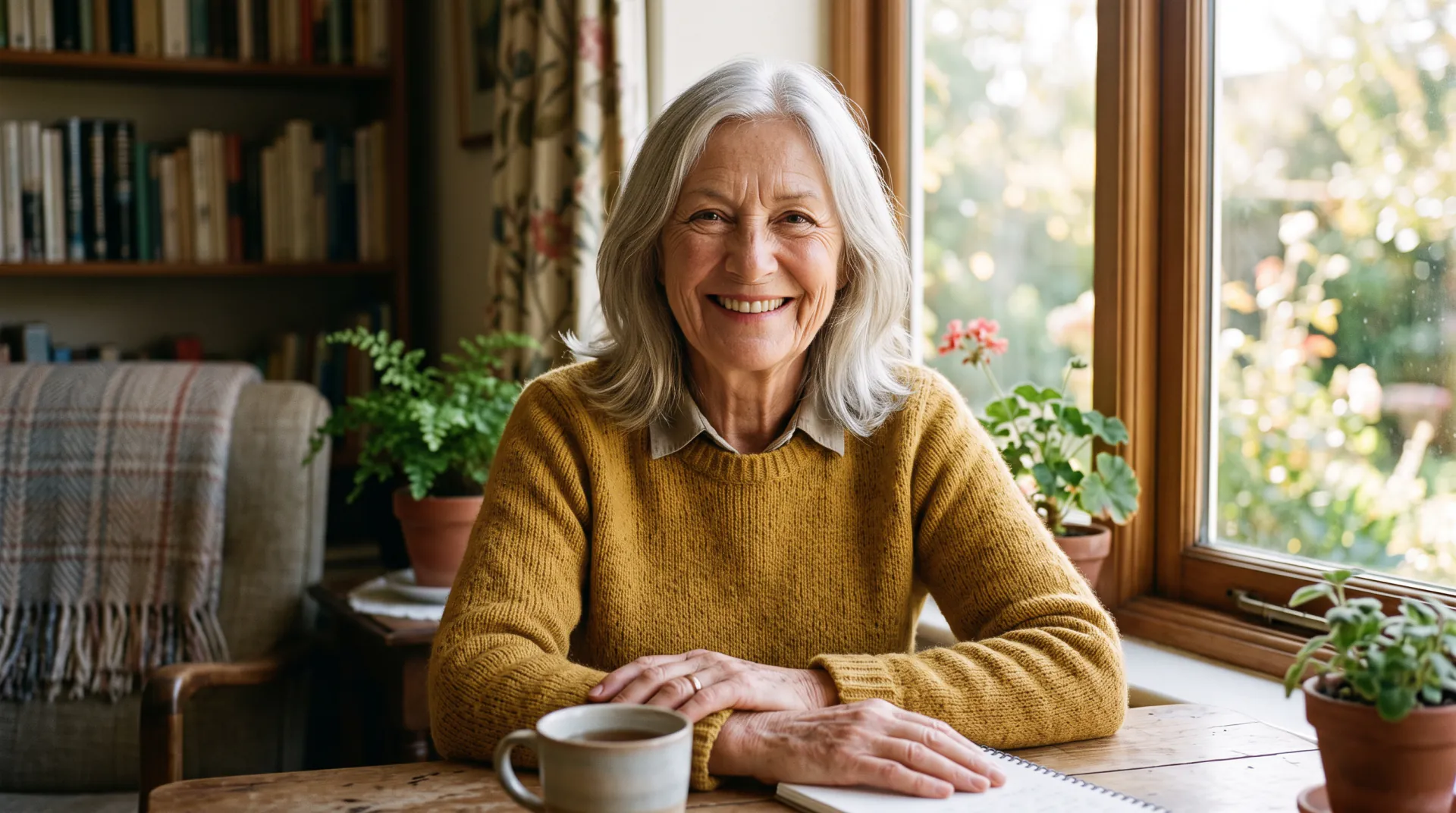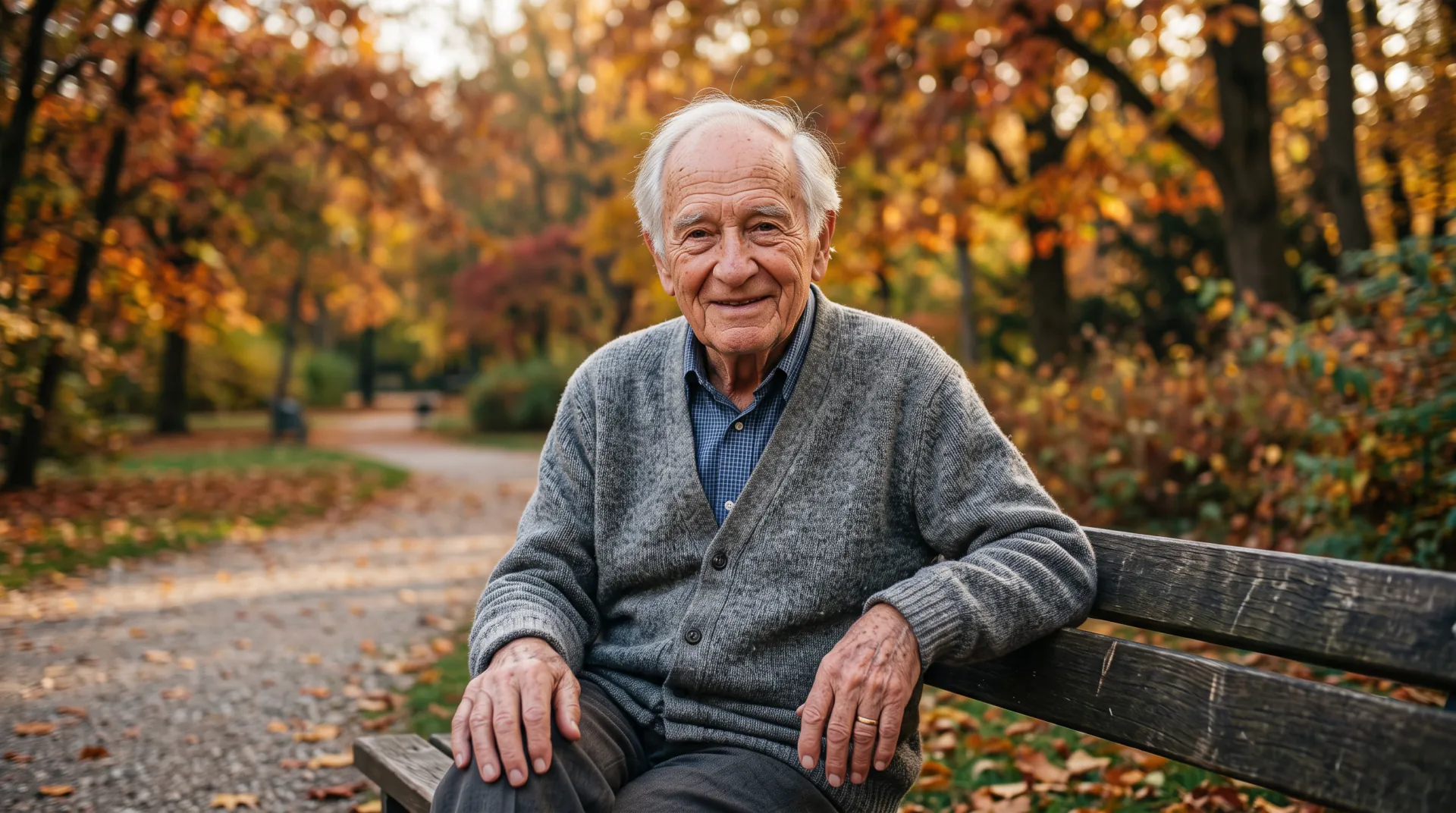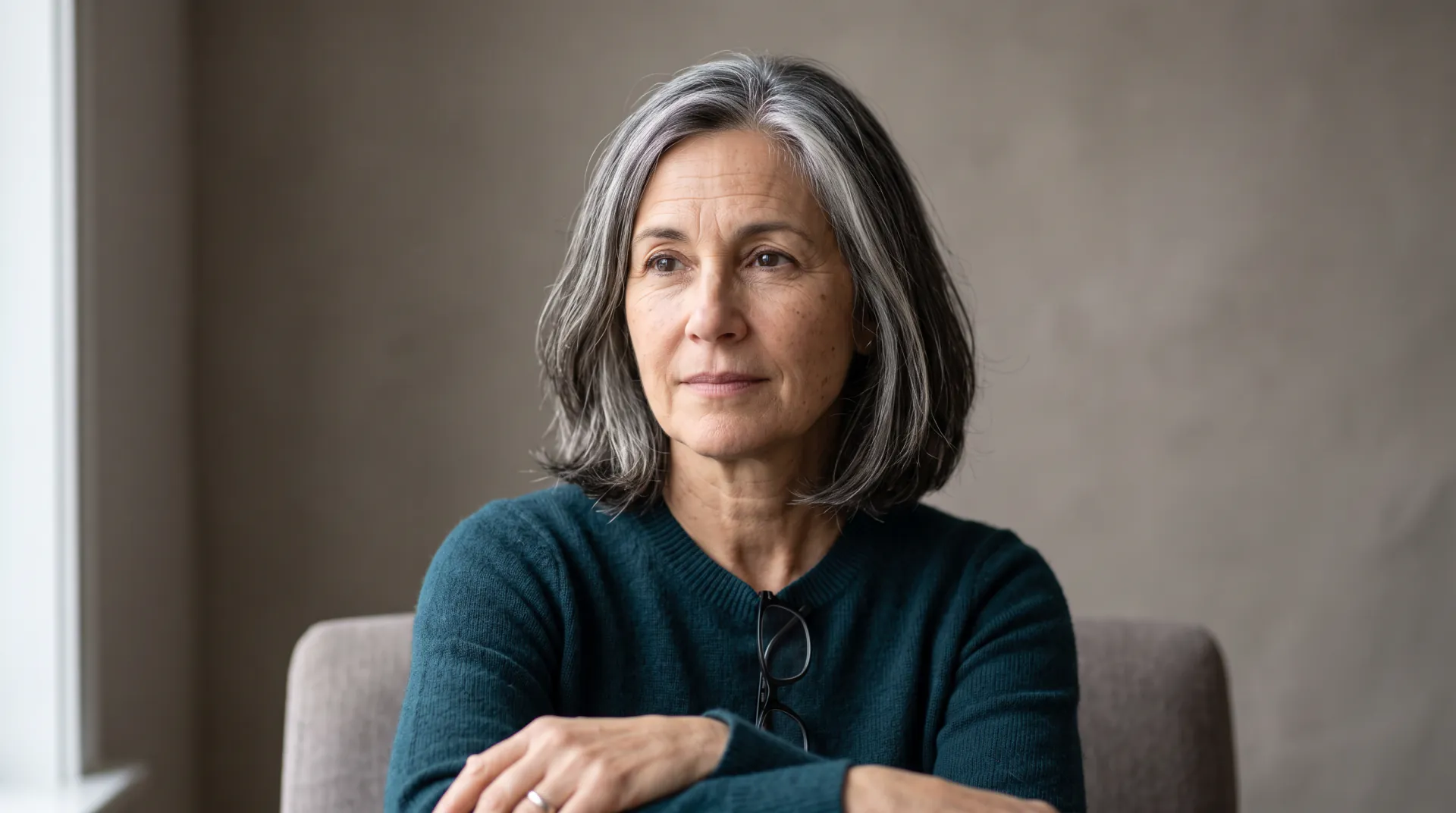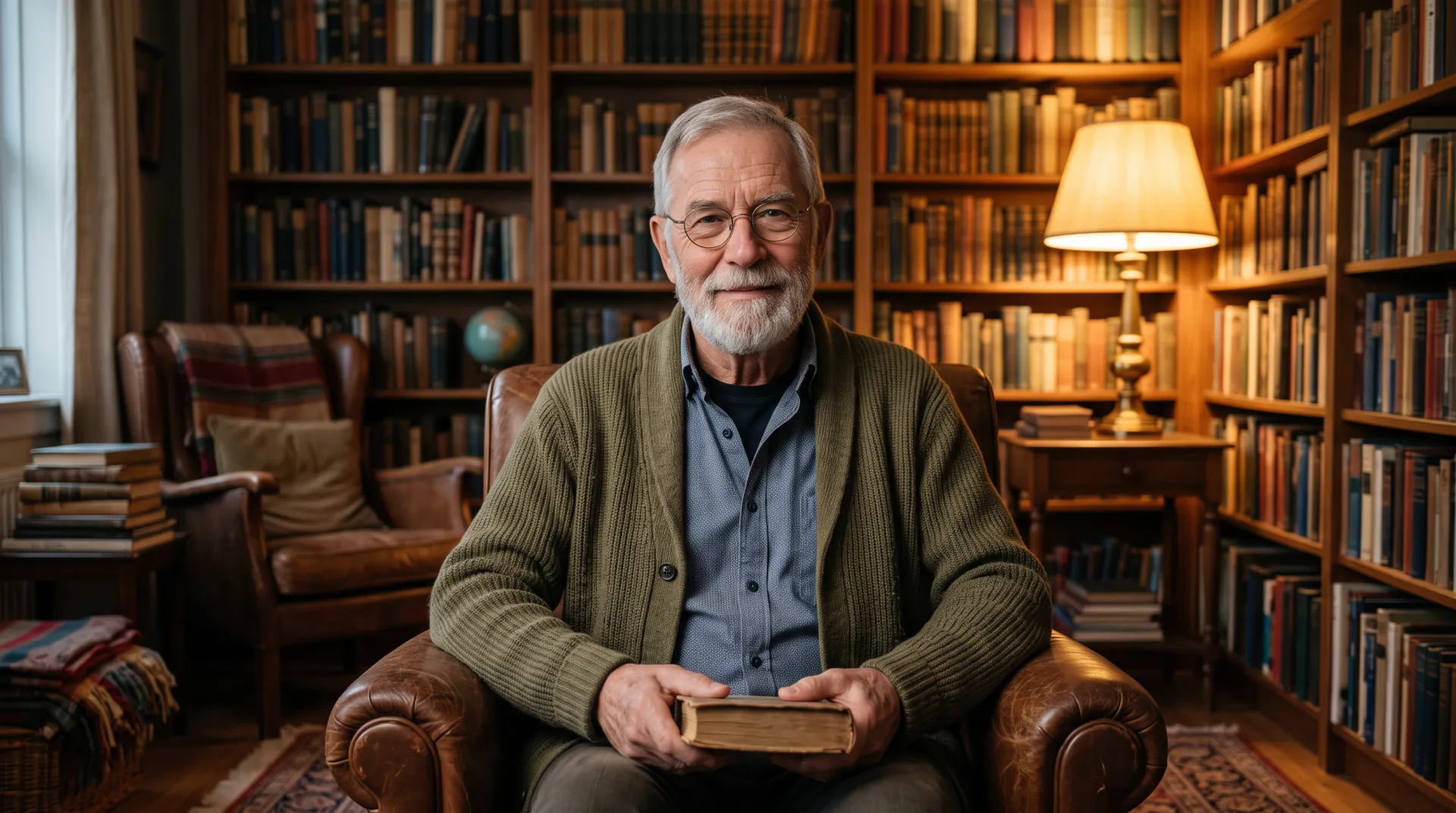
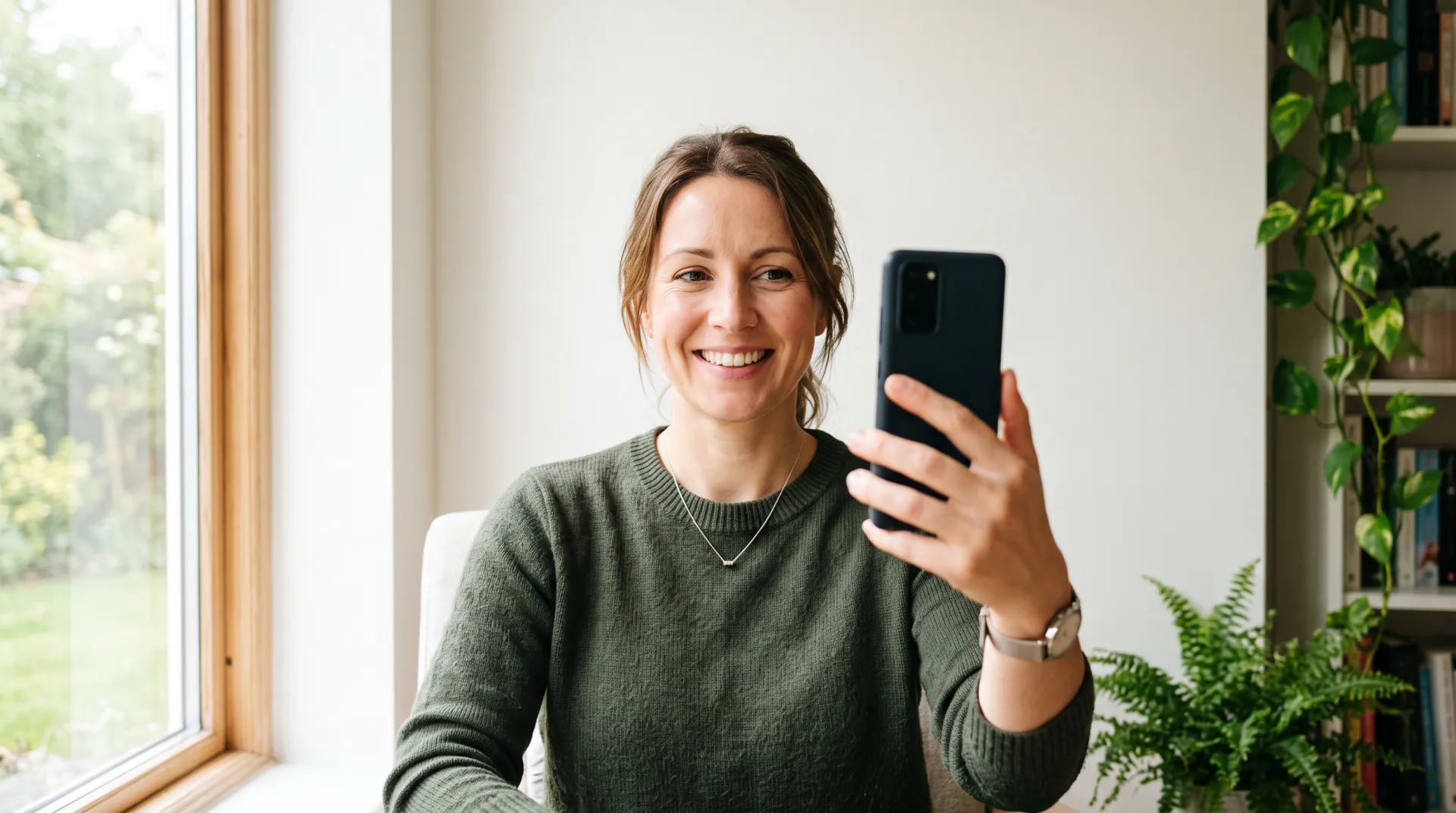
One face, decade by decade

Age progression AI: see one face get older, step by step

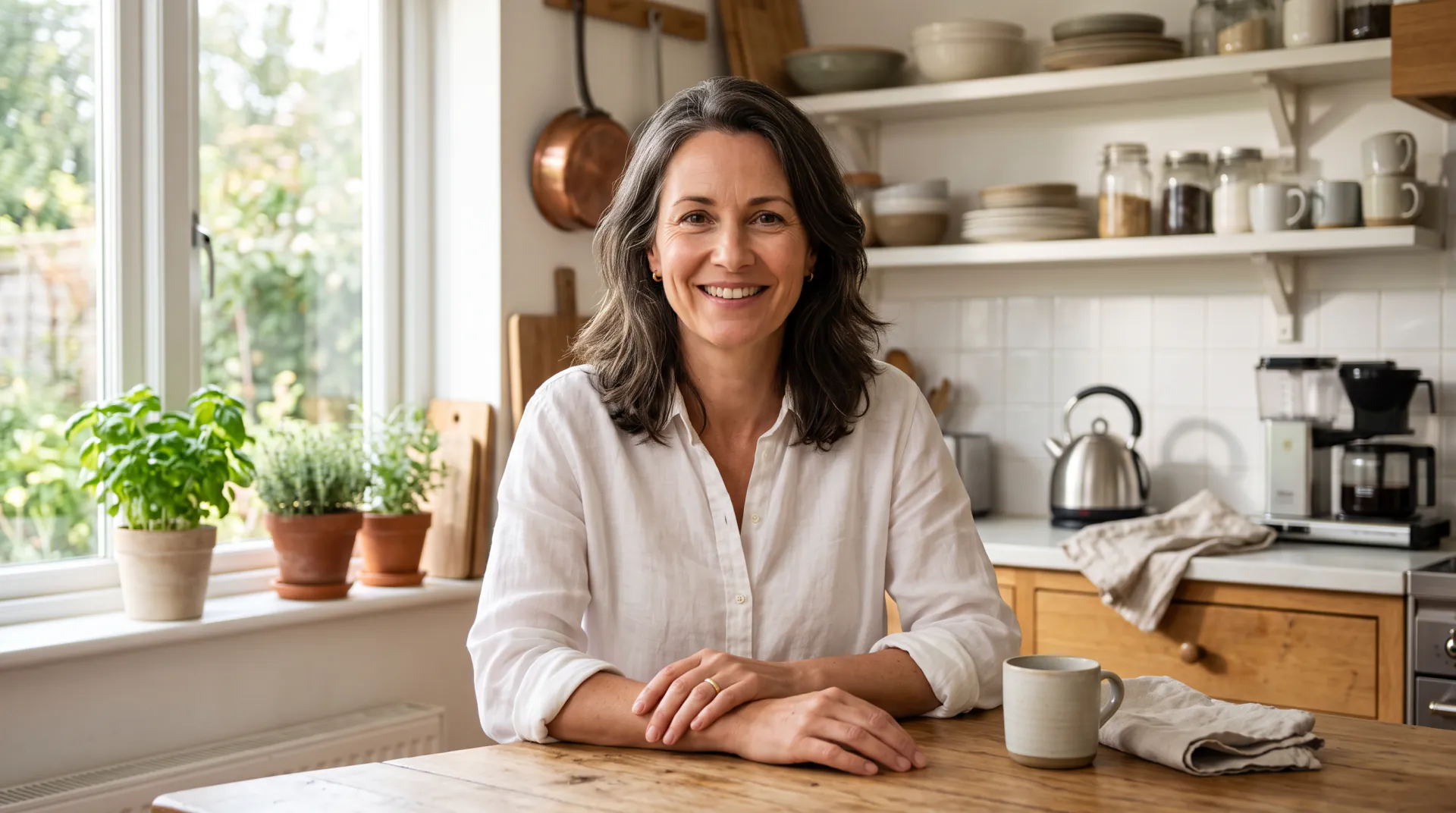
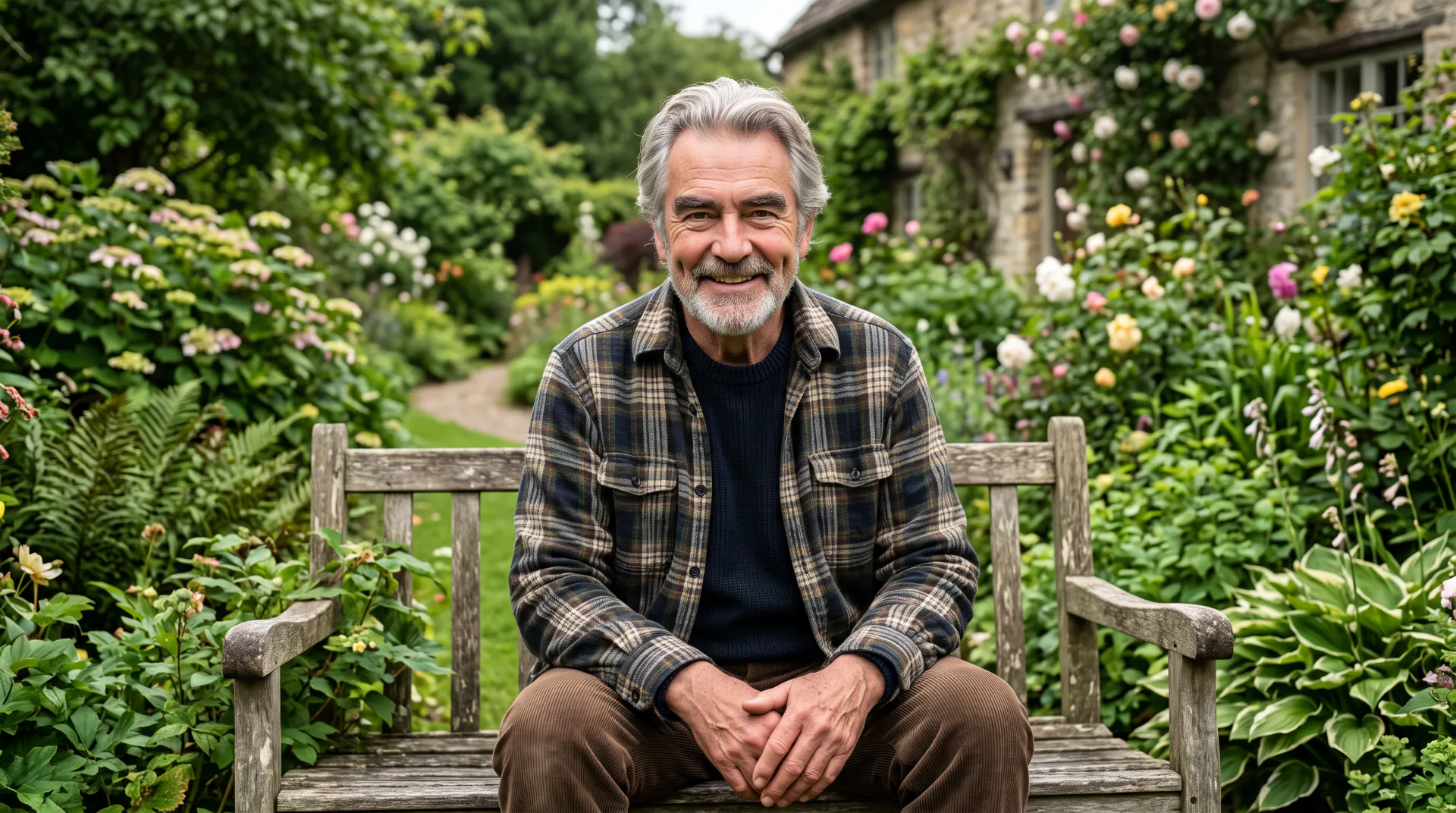
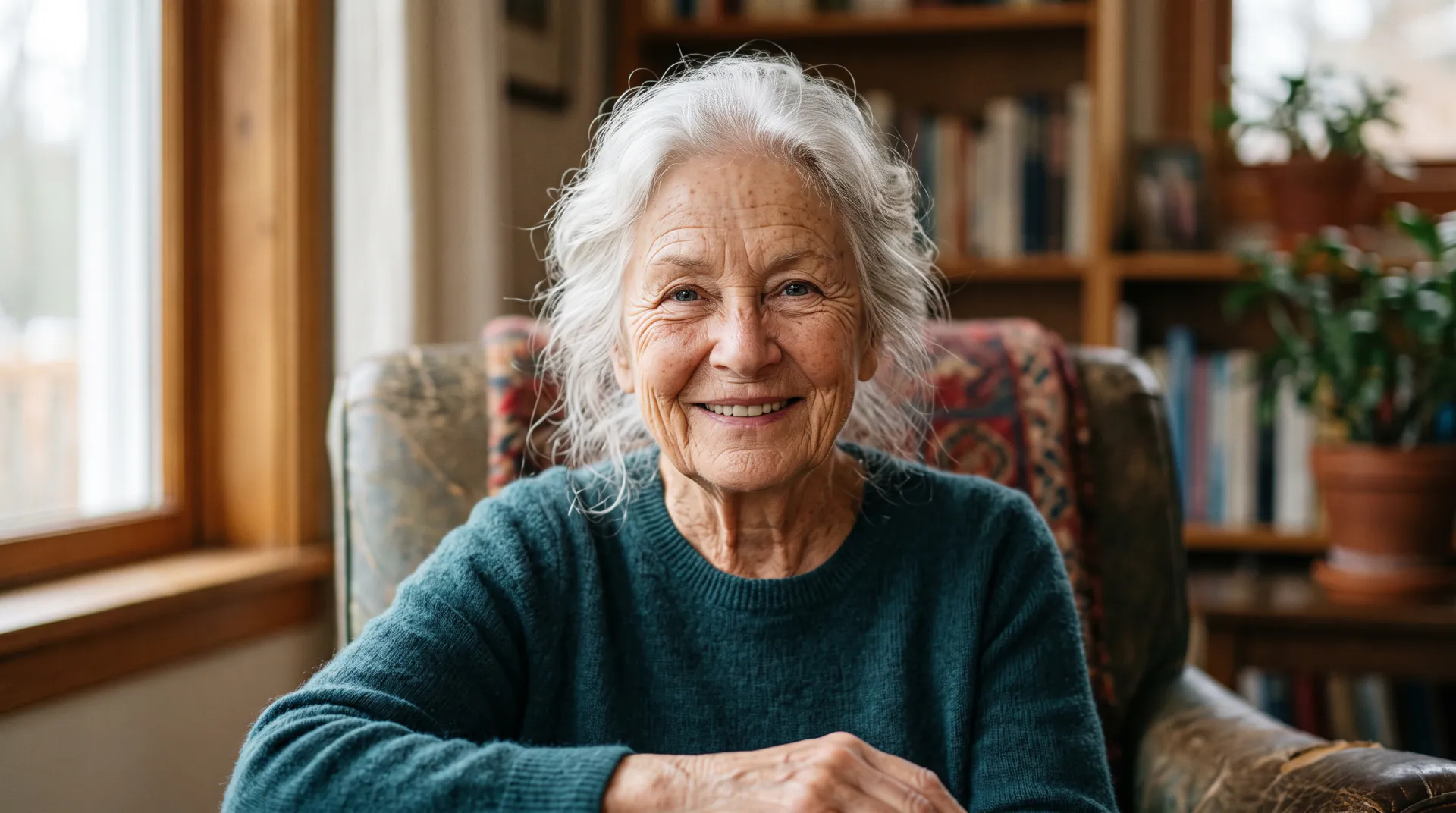
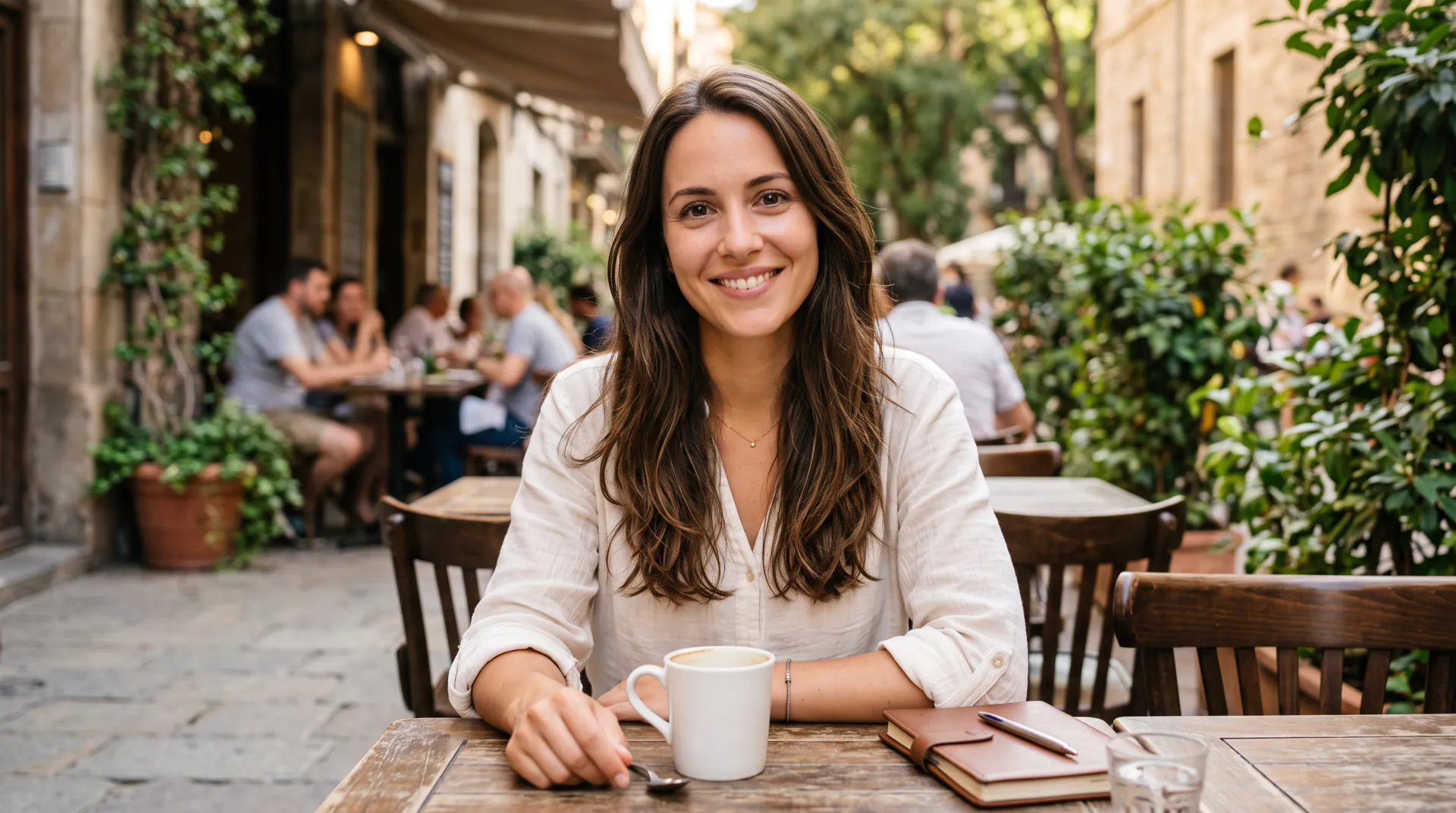
Turn one photo into a series: the same face 10, 20, 30 and 40 years older. Each step keeps the pose, clothes and background, so age is the only thing that changes.

  • 10, 20, 30 and 40 years older
  • Same pose and background
  • Entertainment, not forensics
One photo of your face, or of an adult who agreed. No children. PNG, JPEG or WebP, up to 10 MB.
Ages
Shape
Resolution
Variations

20 credits

Buy credits

Add a photo of a face to start

At a glance

Age progression AI shows how a face might look after a number of years. On Age Filter you upload one adult photo, pick a step (10, 20, 30 or 40 years older, or a target age such as 70) and Nano Banana 2 redraws the same person at that age. Each step is one generation at 20 credits. It is an entertainment filter, not forensic age progression, and it cannot predict how anyone will really age.

What you upload
One clear photo of an adult face: yours, or of someone who agreed (PNG, JPEG or WebP, up to 10 MB)
Price per photo
20 credits, at 1K or 2K
A four-step series
4 photos, 80 credits, about $0.75–$1.00
Account
Free account; every photo uses purchased credits
Not for
Forensic, legal, medical or identification use

What makes a good age progression

  • 01

    Always start from the original

    Run each step from your original photo, not from the last result, so small changes do not pile up into a different face.

  • 02

    Even steps

    Use the same words each time and change only the number of years: 10, 20, 30, 40. The series then reads as one person getting older.

  • 03

    Same shape, same light

    Choose the same shape for every step, close to your photo's, so the frames line up when you put them side by side.

  • 04

    Two takes per step

    Make 2 variations per step and keep the most natural one; each variation costs 20 credits.

How to make an age progression series

  1. 01

    Upload one photo

    Choose a sharp, front-facing photo of an adult with the whole face visible.

  2. 02

    Run the first step

    Pick 10 years older, generate, and download the version you like.

  3. 03

    Repeat from the original

    Keep the same photo attached and pick 20, 30 and 40 years older in turn.

  4. 04

    Line them up

    Put the original and the steps side by side in any photo app to see the whole progression.

What age progression AI does

Age progression means showing a face as it might look later in life. An AI age progression tool does this with an image model: it reads the photo and redraws the same face with the visible signs of more years, such as lines, gray hair and a softer jawline.

Age Filter keeps everything else fixed (the pose, clothes, background and light), so each step changes only age. Every step is a separate generation and a fresh guess by the model, which is why starting each one from the same original matters.
Fun age progression vs forensic age progression

Forensic age progression is specialist work. Trained artists use photos of the person and their relatives, knowledge of how faces change and the details of a case to estimate how a missing person may look today, for police and support organizations.

This tool does none of that. It is an entertainment filter that sees one photo, photos of children are not allowed, and its results must not be used to identify, search for or describe a real person. If you are looking for a missing person, contact the police or a missing-persons organization.

A typical series, step by step

These are the changes the presets ask for at each step. Your own series will vary with the photo and the run:

  • Original: your photo as it is today
  • 10 years older: first fine lines, a few gray hairs
  • 20 years older: graying temples, deeper smile lines
  • 30 years older: silver hair, forehead lines, a softer jawline
  • 40 years older: white or thinning hair, deep wrinkles, age spots

Age progression AI FAQ

How accurate is age progression AI?

This one does not try to be accurate: the result is a believable picture, not a forecast. Real aging depends on genes, health, sun and habits that one photo does not show, and two runs of the same step can differ.

Can I age a photo by an exact number of years?

Yes, type it: for example 25 years older, or At age 65. The model aims for the look of that age, but it reads age from appearance, so treat the number as a direction rather than a precise result.

Why should each step start from the original photo?

Each generation can shift small details. Starting every step from the same original keeps those shifts from adding up, so your 40-years-older photo still looks like the person in the 10-years-older one.

Can I use it to age a photo of a child or a missing person?

No. Photos of anyone under 18 are not allowed, and the results are entertainment, not forensic work. For a missing-person case, contact the police or a specialist organization.

How much does a full series cost?

Each step is one photo at 20 credits, so a four-step series is 80 credits, about $0.75–$1.00 depending on the pack. Failed steps are refunded automatically.

Start your age progression

Upload one photo, then run 10, 20, 30 and 40 years older from the same original.

Last updated October 29, 2026

Create your free account